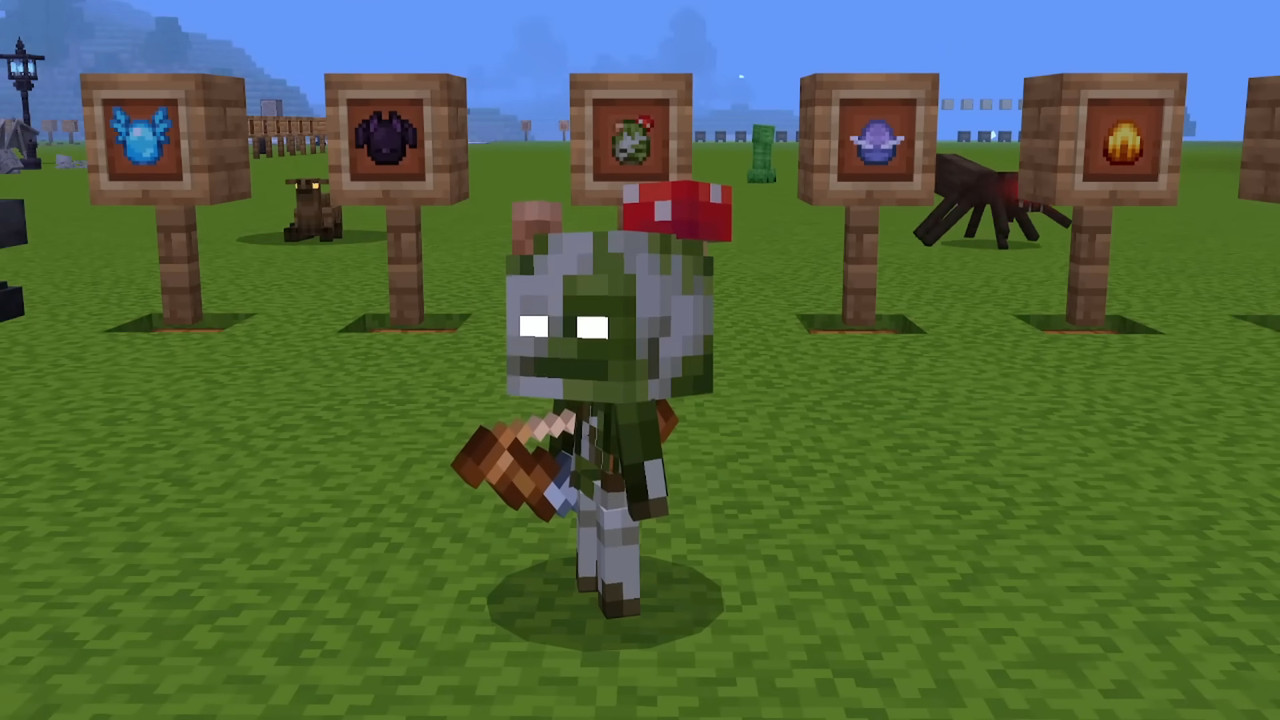
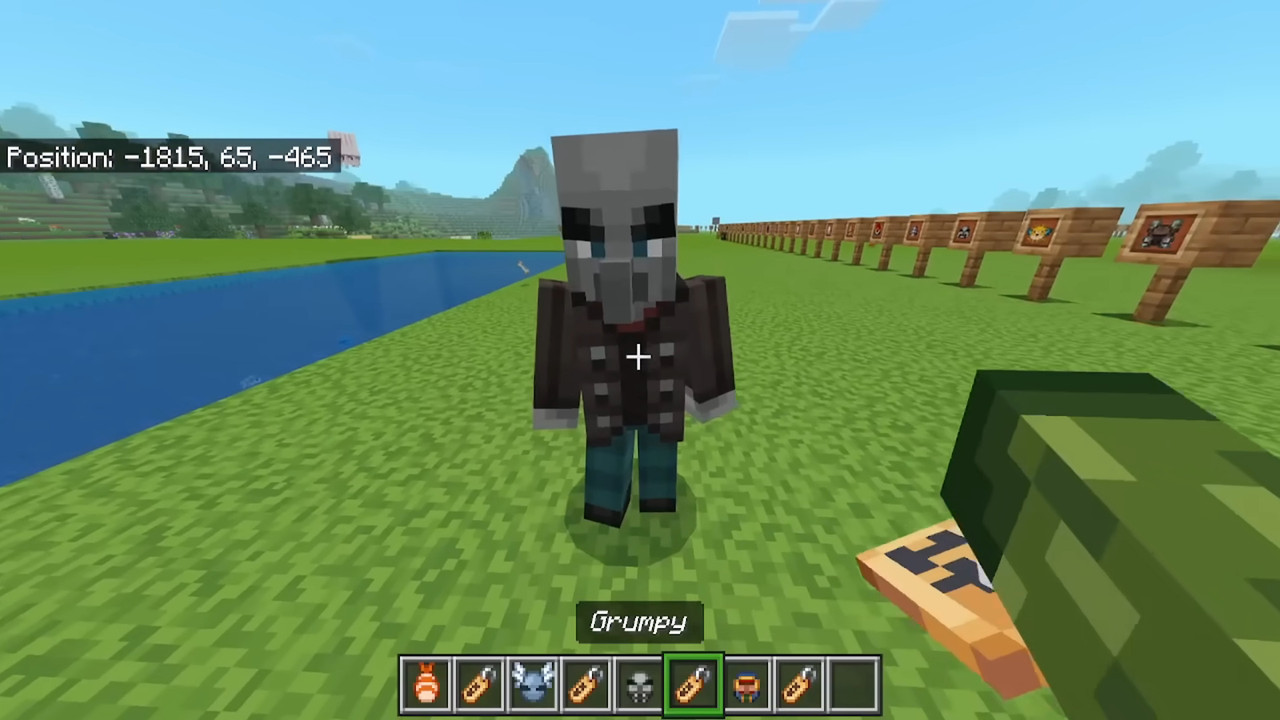
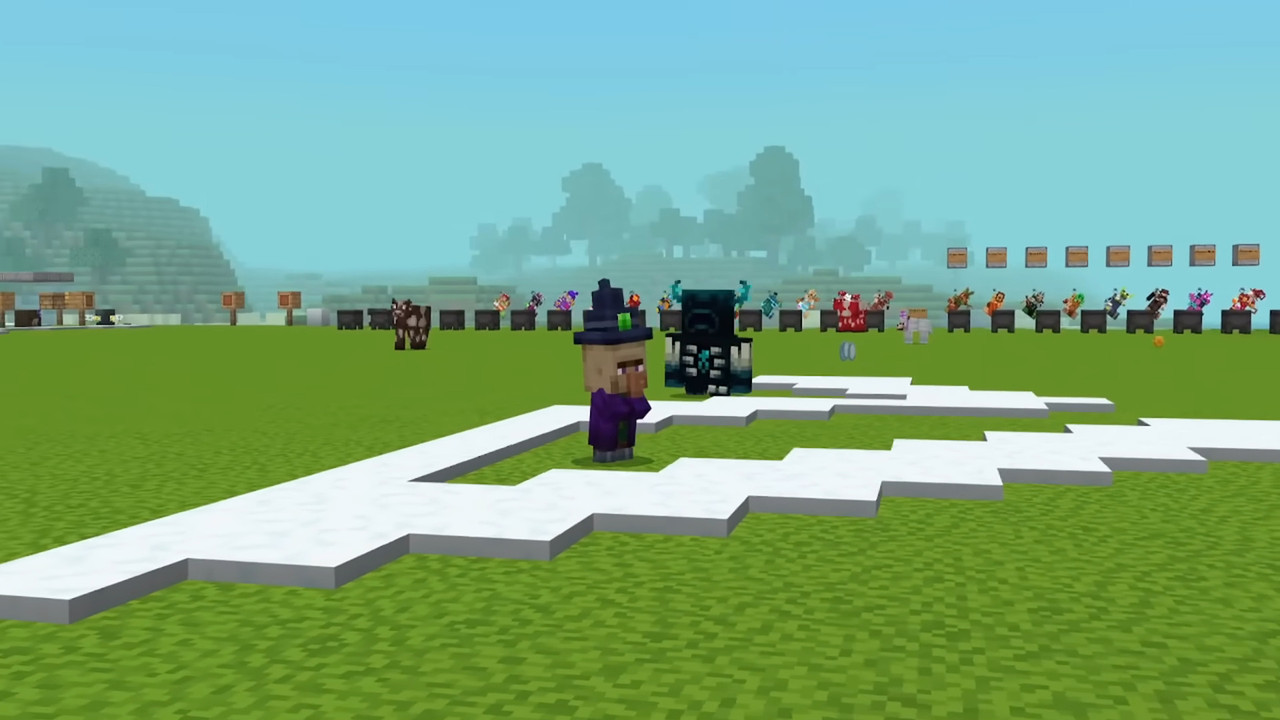
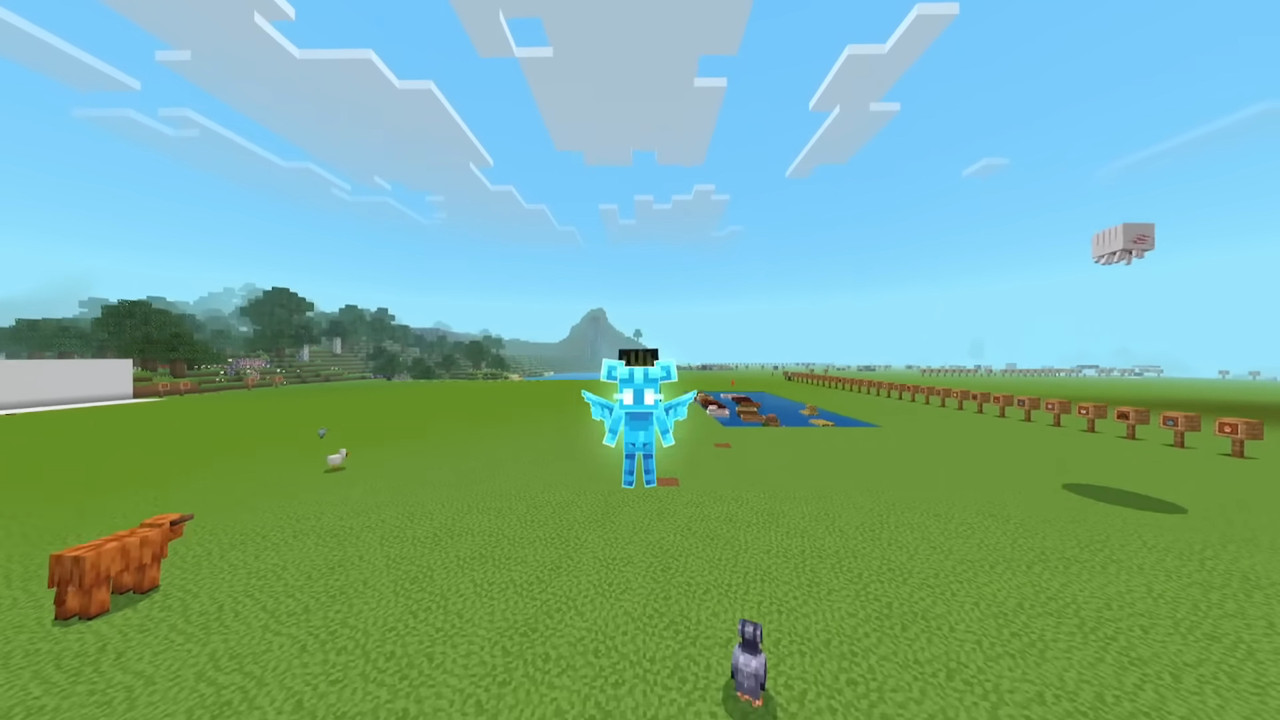
I have been messing around with Minecraft mods for years, and I'll be honest—most mobile add-ons disappoint me. Or they crash your game in ten minutes, or they look nothing like the screenshots, or they're just a lazy recolor job someone slapped together in MS Paint.
So when I first heard about Action and Stuff 1.10 APK, I rolled my eyes. Another "game-changing animation overhaul." Sure. But a buddy of mine kept bugging me about it on Discord, sending me clips of his character actually leaning into sprints and pulling back bowstrings with visible tension.
It looked suspiciously good. Like, Java Edition with thirty mods installed good. So I caved and downloaded it. That was about three months ago, and I genuinely cannot play vanilla Bedrock anymore without feeling like my character turned back into a rigid mannequin.
It sounds dramatic but once your brain adjusts to fluid movement, the old stiff walking cycle just feels wrong. This thing rewires how you experience the game entirely. I figured I'd write this up because there is a ton of misleading info floating around about where to actually get the clean file, how to set it up without corrupting your worlds, and whether it even runs well on older phones.
No fluffy marketing talk, just my honest experience as someone who has been deep in the Bedrock modding scene and has dealt with all the headaches so you don't have to.
📌 What Is Action and Stuff 1.10 APK?
Action and Stuff 1.10 APK is basically a cleverly packaged installer that drops one of the best animation resource packs directly into your Minecraft directories. Now I know the word "APK" throws people off.
They think it is a pirated version of the game or some hacked client that will instantly get them banned. It is not. You still need the official Minecraft Bedrock app from the Play Store sitting on your phone.
This APK is just a delivery vehicle, a shortcut that bypasses the nightmare of manually digging through your phone's file system. If you have ever tried to install a .mcpack file manually on Android, you know what I'm talking about.
You need a specific file explorer, you have to navigate to com.mojang, find the resource_packs folder, hope the file doesn't have some weird permission issue—it is a pain. This installer just does it for you.
What the pack does: It rips out the default walking, running, swimming and combat animations and replaces them with brand new ones that actually consider things like momentum, weight and joint articulation.
Your character bends their knees when they crouch. They lean sideways when they strafe. Items are held in the first-person view at angles that don't block half your screen. It is purely visual, purely client-side, and once you see it in motion you will understand why I am being so dramatic about it.
🎮 How Does It Work?
The technical side of this is kind of interesting even if you are not a huge nerd about game engines. Bedrock Edition has something called animation controllers, which are basically instruction sets that tell the game what your character model should look like during any given action. The vanilla controllers are basic. Arm swings forward, leg swings back. Repeat. No torso movement, no weight shifting, no breathing.
Action and Stuff 1.10 APK brings in entirely new JSON files that massively expand these controllers. Suddenly the game is being told to animate not just the shoulder joint, but the elbow, the wrist, even subtle finger repositioning on tools.
It also introduces state blending, which is the fancy term for making transitions smooth instead of snappy. In vanilla, if you go from sprinting to blocking with a shield, there is this tiny visual stutter. Here, the character fluidly shifts weight, raises the shield arm, and settles into the block stance in one smooth motion.
When I first installed it I spent probably twenty minutes just running around a creative world watching my character move. Jumping off cliffs, pulling back bows, eating food—it all looked so much more deliberate.
The pack is demanding though, I won't lie. Your phone's GPU is now calculating way more keyframes per second than it used to. On a newer device you won't notice much difference besides a bit of extra warmth after an hour. On an older budget phone, you might see some frame dips when there is a lot of action on screen.
✨ Key Features Of Action and Stuff 1.10 APK- The Ones Worth Knowing About
🏃♂️ Movement That Feels Grounded.
Look, vanilla Minecraft movement is iconic but it's also stiff as a board. This pack adds lean, arm pumping, and natural foot placement. When you sprint, you actually feel like you're hauling across the plains biome. Sneaking looks genuinely sneaky instead of just a lowered camera angle.
⚔️ Combat That Packs a Punch.
Swinging a sword in vanilla feels weightless. Tap the button, arm waves, mob takes damage. With this pack, there is a wind-up, a follow-through, and a subtle screen shake that syncs with the hit. Shield blocking has a distinct bracing animation that makes PvP timing feel way more intuitive. Drawing a bow actually shows the arrow coming back and the string tensing up properly.
🏊♀️ Swimming and Elytra Done Right.
Vanilla swimming is nauseating. Just bobbing up and down with arms flailing. The pack gives you an actual stroke animation that looks like your character is gliding through water. Elytra flight got similar love. You bank into turns, your body tilts based on direction, and it actually feels like flying rather than glitchy hovering.
🧟 Mobs With Actual Reactions.
While this pack focuses mostly on the player, mobs also get some tweaks to their hit reactions. Zombies recoil. Skeletons stumble when you land a critical shot. It adds a tactile feedback loop that makes combat against hostile mobs less "hit the floating hitbox" and more "I just smacked that thing and it felt real."
🎒 Cleaner First-Person View.
I cannot stand how much screen real estate the default shield and map take up in vanilla Bedrock. This pack repositions everything. Tools sit lower, the off-hand item is visible but not obnoxious, and the walking bob actually matches your footsteps rather than some generic sway. It sounds minor but it genuinely reduces eye strain during long building sessions.
🔄 Smooth State Blending.
And that’s the magic that happens behind the scenes to make everything feel cinematic. No jarring snaps between anims Sprint-to-sneak. Swim-to-stand. Block-to-attack. It all flows. Earlier versions of this pack had trouble blending but 1.10 nailed it.
💡 Benefits of Using Action and Stuff 1.10 APK
The most immediate benefit is just how fresh the game feels. I have been playing Minecraft since 2012, and burnout is real. You log in, look at the same old arm swinging, and wonder why you even bothered.
Action and Stuff 1.10 APK gave me that new-game excitement again because everything I did looked and felt different. Walking through my base felt cinematic. Mining felt weighty. Even just standing still looked cooler because the idle animation has your character shifting their weight slightly and looking around, which makes the world feel alive instead of paused.
There is also a practical PvP advantage hidden in here. Because the animations are more detailed, you get better visual cues. You can see exactly when a bow is fully drawn. You can read an opponent's sword wind-up more clearly.
It is not cheating, you are not getting extra damage or faster swing speeds, but the extra visual information helps your reaction time. Another benefit nobody talks about is the content creation angle. If you stream Bedrock from your phone, your footage goes from looking like a mobile game to something that resembles a heavily modded PC setup.
People in my chat have asked me what shader pack I was using and when I told them it was just this animation pack and a light weight overlay of textures they didn’t believe me at first.
🛠️ Tips to Get the Most Out of It
⚙️ Crank That FOV Up.
With these new view models the default 60 or 70 FOV feels claustrophobic. First person feels different with your hands, and a tight field of view makes things feel cramped. I run mine at 85 now and it looks perfect. You can actually see the full range of motion on your sword swings and tool usage without the screen feeling like a fishbowl.
🎨 Pair With a Light Shader.
The animations alone look great, but if you layer even a basic mobile shader on top, the results are kind of stunning. Shadows reacting to your character's new body positioning just sells the whole effect. Nothing crazy, just something that adds a bit of dynamic lighting. Your phone might run a little hotter but it is worth it for a short session.
🛡️ Activate in Global Resources.
Do not apply this world by world. Go to Settings from the main menu, find Global Resources, and activate it there. This way any world you load, any server you join, any realm you hop into—the animations are already applied and there's no awkward loading hitch when you spawn in.
⚔️ Spend Some Time Relearning Timing.
Your muscle memory is tied to the old visual feedback. When I first tried PvP with this pack I kept missing my shield blocks because the new animation has a slightly different rhythm to it. Spend ten minutes in a creative world just swinging at a target dummy or an iron golem. Get the new cadence down. Once you do, the old animations will feel completely wrong.
📱 Use Gaming Mode If You Have It.
Samsung, Xiaomi, and a bunch of other Android brands have some kind of game booster or performance mode. Turn it on. It dedicates more system resources to the game and prevents background apps from stealing processing power during those heavy animation sequences.
📥 How to Download and Install Action and Stuff 1.10 APK Latest Version
The most reliable and safe place to download from I recommend APKview.com as your resource. Random download sites don’t have that security layer of checking APK signatures before publishing.
Step 1: Open the browser on your Android device and go to APKview.com.
Step 2: Type “Action and Stuff 1.10 APK” in the search box.
Step 3: Find the Latest Version of APK file Available Make sure it is from a trusted source on the site.
Step 4: Choose the download button. Your device might prompt you to confirm if you want to download the file – confirm if you want to download it.
Step 5: This is where most people get it wrong. You must allow installations from Unknown Sources. On most Android phones, go to Settings > Security > Unknown Sources and toggle it on. Some new phones may ask you to give permission for your browser only – just do what it tells you on your screen.
Step 6:Tap the downloaded APK file. It’s usually sitting in your Downloads folder.
Step 7: Click on Install and wait for few seconds. It's fairly fast.
Step 8: When done, open the app and sign up or login, if you have an existing account.
Just a note : If you get an error , then the file is probably corrupted or you downloaded the wrong version. Download it again or check your Android version to see if it is supported.
🔒 Is It Safe to Use? Here's the Honest Take
I am not going to sit here and tell you that downloading APKs from the internet is 100% risk-free. That would be irresponsible. But I can tell you that Action and Stuff 1.10 APK, when sourced from a trusted site like APKview.com, is about as safe as these things get.
The actual content of the mod is just resource pack files—textures, geometry models, JSON scripts. There is no executable code that runs at the system level. It is not a virus and it's not spyware. The risk comes entirely from where you download it.
Shady sites love to bundle popular mods with adware wrappers or worse. They know people are desperate for easy installs and they exploit that. APKview.com has a solid reputation in the mobile gaming community for vetting their uploads, and I have personally scanned the file with Play Protect and Malwarebytes without any flags.
Another safety concern people have is about server bans. Since this pack is purely client-side and only affects visuals on your device, server anti-cheat systems do not flag it. You are not modifying hitboxes, reach distance, or movement speed.
You just have prettier arm swings. I have used this on Hypixel, Lifeboat, and a few private realms without a single issue. Just do not stack it with other player model packs because that can cause weird visual conflicts that make your character look like a glitched mess.
⚖️ Pros and Cons — The Unfiltered Take
✅ Pros:
- The visual upgrade is genuinely transformative and makes vanilla Bedrock feel ancient by comparison.
- Installation is dead simple thanks to the APK packaging, no file explorer nonsense required.
- It works on pretty much any server since it is client-side and does not modify gameplay mechanics.
- The 1.10 version specifically fixes the armor rendering bugs that made earlier builds frustrating.
- It is free, and you do not need some sketchy subscription or license key to use it.
❌ Cons:
- Your battery drains faster, plain and simple.
- That’s more animations, more work for the GPU, which means you might see some frame drops on older phones during tough fights.
- It doesn’t play well with other animation packs or custom player models, so you have to commit to this one.
- When Minecraft drops a major update, you sometimes have to wait for this pack to catch up or your animations will break until a new version is released.
🏁 Final Verdict — Is It Worth Downloading?
After three months of using this pack nearly every day, I can say without hesitation that Action and Stuff 1.10 APK is worth the download. I have uninstalled plenty of mods that overpromised and underdelivered, but this one has stayed in my global resources since day one.
It fixes something about Bedrock that I didn't even realize was bothering me until it was gone. The stiffness. The robotic feeling of just being a floating camera with a bobbing arm attached. Once that friction is removed and your character moves like an actual living thing in the world, the immersion factor shoots way up.
Is it perfect? It drains battery, it sometimes conflicts with texture packs that heavily modify the player model, and you need to be careful where you download the APK from. But these are minor quibbles compared to what you get.
If you spend any significant amount of time playing Minecraft on your phone, just try it. Head over to APKview.com, grab the file, follow the steps I laid out, and load up a world. I bet you five minutes in you will be running around just watching your character move, same as I did. And you probably won't want to go back either.